← Nazaj na blog ← Back to the blog
Denarnica za posel

Kaj je dejansko potrebno za nastavitev kartic v denarnici
6. August 2026

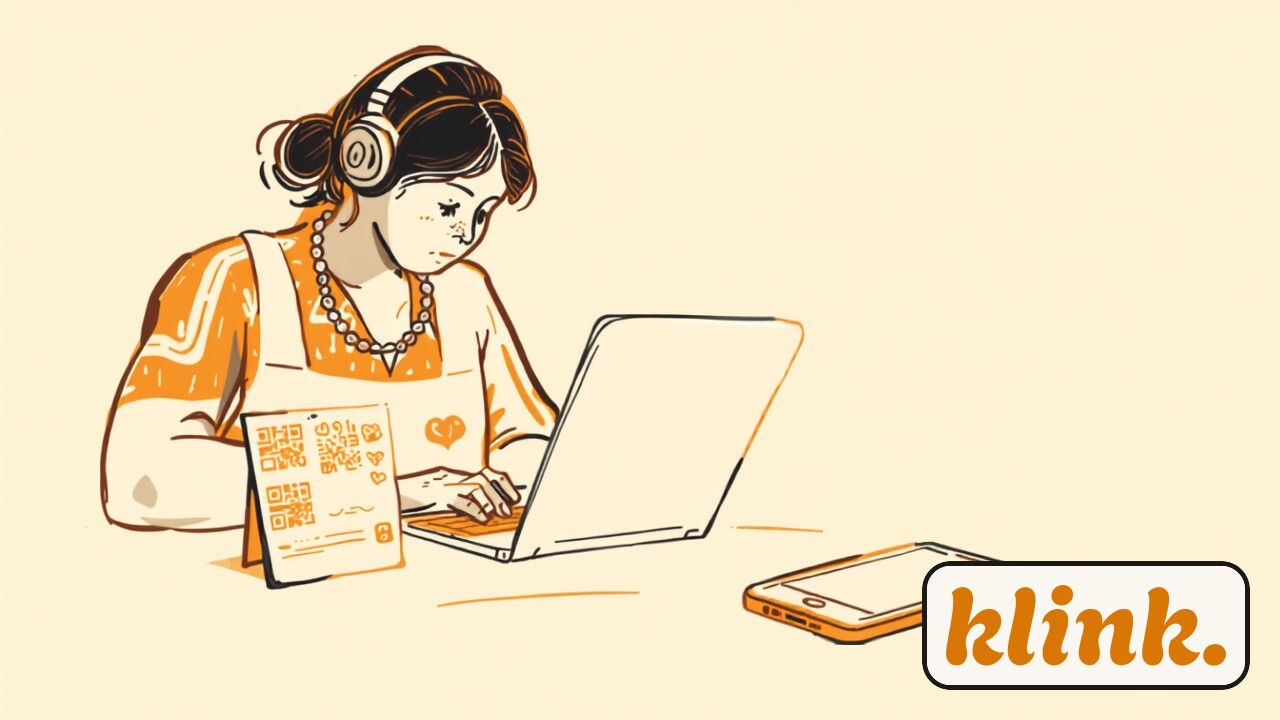
Lastnica kavarne za pultom oblikuje digitalno kartico zvestobe na prenosniku, poleg nje pa stoji natisnjen plakat z QR kodo, v topli jantarni in kremni barvi.

Ko lastniku lokala prvič omeniš »kartice zvestobe v Apple in Google denarnici«, se pogosto zgodi ista stvar: v glavi si predstavlja Apple Developer račun, certifikate, kodo, morda celo programerja, ki mu bo za to izstavil račun. Zveni kot nekaj, kar delajo velike verige z IT oddelkom — ne pa mala pekarna ali frizerski salon na vogalu.

Dobra novica je, da si predstavljaš napačno stvar. Vse tehnično zapleteno — certifikati, ki jih zahtevata Apple in Google, pošiljanje posodobitev na telefone, šifriranje — se dogaja v ozadju in za to poskrbi platforma. Tebi ostane le tisti del, ki ga edini res poznaš: kako naj tvoja kartica izgleda in kaj stranka dobi. Poglejmo, kaj nastavitev pri klink. dejansko zahteva — po korakih, brez skrivanja.

Kaj potrebuješ, preden začneš

Nič posebnega. Računalnik ali telefon z brskalnikom, svoj logotip (ali vsaj ime lokala), okvirno idejo, koliko obiskov naj vodi do nagrade, in kaj bo ta nagrada. To je to. Ne potrebuješ Apple Developer računa, ne posebne čitalke, ne terminala, ne pogodbe s programerjem. Če imaš doma predal z žigom in kupom kartončkov, imaš pravzaprav že več, kot boš potreboval.

Oblikuj kartico v nadzorni plošči

Naložiš logotip, izbereš barve, napišeš ime lokala in določiš pravila: koliko pečatov do nagrade in kaj je nagrada — recimo »10. kava zastonj« ali »po 8 striženjih 50 % popusta«. Sproti vidiš predogled, kako bo kartica izgledala v telefonu. To je edini del, kjer je res pomembno tvoje mnenje, in vzame približno toliko časa kot ena kava.

Natisni QR plakat in ga postavi na pult

Sistem ti pripravi QR kodo. Natisneš jo na plakatek ali jo prikažeš na zaslončku ob blagajni. To je edina »oprema«, ki jo stranka vidi. Stranka jo skenira s kamero telefona, vpiše telefonsko številko, jo potrdi s SMS kodo — in kartica pristane v Apple ali Google denarnici v približno 45 sekundah. Brez aplikacije, brez računa.

Namesti skener na telefon osebja

Osebje dodaja pečate z lahkim skenerjem, ki teče kar v brskalniku telefona — spletna aplikacija, ki jo odpreš in pripneš na začetni zaslon kot ikono. Nobene posebne naprave, nobenega dodatnega telefona. Če delaš sam, lahko pečat dodaš kar iz gumba v nadzorni plošči.

Preizkusi z eno stranko (ali sam s sabo)

Zadnji korak je najbolj zabaven: dodaj si kartico na svoj telefon, dodaj pečat in poglej, kako se v realnem času posodobi. Ko vidiš, da žig na tvojem telefonu skoči z 2 na 3, veš, da vse deluje. Od tu naprej ni več nastavljanja — samo skeniraš stranke.

Vse, kar zveni tehnično strašljivo — certifikati, posodobitve na telefonih, varnost — se zgodi samo od sebe. Ti oblikuješ kartico, natisneš QR in začneš skenirati.

Kaj se dogaja v ozadju (da se tebi ni treba ukvarjati)

Apple in Google imata za kartice v denarnici precej stroga pravila — vsaka kartica mora biti pravilno podpisana in šifrirana, sicer je telefon sploh ne sprejme. To je tisti del, zaradi katerega ljudje mislijo, da potrebujejo programerja. V resnici to prevzame platforma: klink. poskrbi za certifikate, za pravilno obliko kartice in za to, da se vsak nov pečat kot posodobitev pošlje na strankin telefon v realnem času. Ti tega nikoli ne vidiš in ni ti treba.

Enako velja za identiteto stranke. Namesto računov in gesel je nosilec kartice telefonska številka: ena številka, ena kartica. To pomeni brez podvojenih kartončkov in brez zmede, kdo je kdo — pa tudi brez tega, da bi ti moral karkoli ročno urejati. In ker je vse zgrajeno v EU in skladno z GDPR, ti ni treba skrbeti, ali smeš podatke o strankah sploh hraniti.

Koliko časa to res vzame

Iskreno: največ časa ne porabiš za nastavljanje, ampak za odločitev, kakšna naj bo nagrada. Sama tehnična pot — oblikovanje kartice, tisk QR kode, namestitev skenerja — je popoldanska naloga, ne projekt. Marsikateri lastnik jo naredi med dvema navaloma gostov. In ko enkrat stoji, se ne dotakneš več ničesar: kartica živi v telefonih strank, ti pa samo skeniraš in občasno pošlješ kakšno obvestilo.

Če si nastavitev doslej odlašal, ker si mislil, da je to velik tehnični zalogaj — ni. Je bolj podobno temu, da si naročiš nove kartončke, le da teh ne bo nikoli treba ponatisniti.

Vabljen, da brezplačno preizkusiš klink. 14 dni in svojo prvo digitalno kartico zvestobe postaviš že danes — brez kreditne kartice. Popoldne je dovolj.

Sorodno branje: Apple in Google Wallet, razloženo za lastnike lokalov in kartica v denarnici proti lastni aplikaciji.

Wallet for business

What setting up wallet passes actually takes

August 6, 2026

A café owner behind the counter designs a digital loyalty card on a laptop, with a printed QR-code poster propped beside her, in warm amber and cream tones.

When you first mention "loyalty cards in Apple and Google Wallet" to a shop owner, the same thing usually happens: their mind jumps to an Apple Developer account, certificates, code, maybe even a developer who'll send them an invoice for the trouble. It sounds like something big chains with an IT department do — not the corner bakery or the hair salon down the road.

The good news is that you're picturing the wrong thing. Everything genuinely technical — the certificates Apple and Google require, pushing updates to phones, the encryption — happens in the background and is handled by the platform. What's left for you is the only part you actually know best: how your card should look and what the customer gets. Let's walk through what setup with klink. really takes — step by step, nothing hidden.

What you need before you start

Nothing exotic. A computer or phone with a browser, your logo (or at least your shop's name), a rough idea of how many visits should earn a reward, and what that reward is. That's it. No Apple Developer account, no special scanner, no terminal, no contract with a programmer. If you've got a drawer at home with a rubber stamp and a stack of paper cards, you already have more than you'll need.

Design the card in the dashboard

You upload a logo, pick your colours, type in your shop's name, and set the rules: how many stamps earn a reward and what that reward is — say "10th coffee free" or "50% off after 8 haircuts". A live preview shows you exactly how the card will look on a phone. This is the one part where your taste genuinely matters, and it takes about as long as making a coffee.

Print the QR poster and set it on the counter

The system hands you a QR code. You print it on a small poster or show it on a screen by the till. That's the only "hardware" the customer ever sees. They scan it with their phone camera, enter their phone number, confirm it with an SMS code — and the card lands in Apple or Google Wallet in about 45 seconds. No app, no account.

Install the scanner on your staff's phone

Staff add stamps with a lightweight scanner that runs right in the phone's browser — a web app you open and pin to the home screen like an icon. No dedicated device, no extra phone. If you run the place solo, you can add a stamp straight from a button in the dashboard.

Test it with one customer (or on yourself)

The last step is the fun one: add the card to your own phone, give it a stamp, and watch it update in real time. When you see the stamp on your phone jump from 2 to 3, you know the whole thing works. From here there's no more setting up — you just scan customers.

Everything that sounds technically scary — certificates, updates to phones, security — happens on its own. You design the card, print the QR, and start scanning.

What's happening in the background (so you don't have to)

Apple and Google have fairly strict rules for wallet cards — every card has to be correctly signed and encrypted, or the phone won't accept it at all. That's the part that makes people assume they need a developer. In reality the platform takes it on: klink. handles the certificates, the correct card format, and making sure every new stamp is pushed to the customer's phone as a real-time update. You never see any of this, and you don't need to.

The same goes for the customer's identity. Instead of accounts and passwords, the card is carried by a phone number: one number, one card. That means no duplicate cards and no confusion about who's who — and nothing for you to sort out by hand. And because the whole thing is built in the EU and GDPR-compliant, you don't have to wonder whether you're even allowed to keep customer data.

How long it really takes

Honestly, the time doesn't go into the setup — it goes into deciding what the reward should be. The technical path itself — designing the card, printing the QR code, installing the scanner — is an afternoon job, not a project. Plenty of owners get it done between two lunch rushes. And once it's standing, you don't touch anything again: the card lives in your customers' phones, and you simply scan and, now and then, send a message.

If you've been putting off setup because you assumed it was a big technical undertaking — it isn't. It's closer to ordering a fresh batch of paper cards, except these never need reprinting.

You're welcome to try klink. free for 14 days and set up your first digital loyalty card today — no credit card required. An afternoon is plenty.

Related reading: Apple and Google Wallet, explained for shop owners and wallet pass vs. a dedicated app.