← Nazaj na blog ← Back to the blog
Osnove zvestobe

Kako digitalne kartice zvestobe dejansko delujejo
23. July 2026

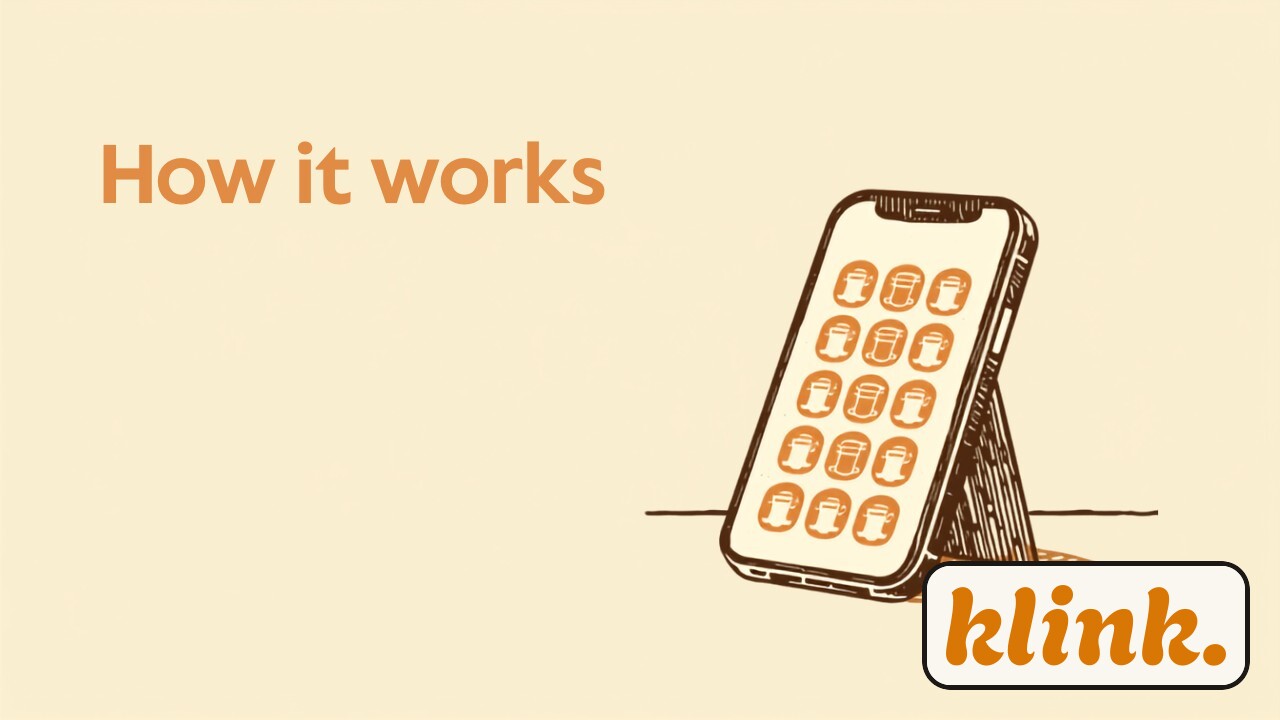
Telefon na pultu kavarne prikazuje digitalno kartico zvestobe s pečati, ob njem QR koda na majhnem stojalu, vse v toplih jantarnih in kremnih barvah.

»Digitalna kartica zvestobe« zveni tehnično — kot nekaj, za kar boste potrebovali IT-jevca, tablico na pultu in pol popoldneva za nastavitev. V resnici je celotna stvar preprostejša od tega, da natakarju naročite kavo. Če ste kdaj strankam delili kartončke z žigi, boste v petih minutah razumeli vse, kar je treba. Poglejmo, kaj se dejansko zgodi — brez tehničnih izrazov, korak za korakom.

Kartica ni datoteka, ki jo prenesete — je vstopnica v denarnici

Prva stvar, ki jo je treba razčistiti: digitalna kartica zvestobe ni aplikacija in ni slika, ki bi jo stranka shranila v galerijo. Je »pass« — ista vrsta stvari kot letalska vstopnica ali koncertna karta, ki živi v Apple Wallet oziroma Google Wallet, torej v denarnici, ki je na vsakem telefonu že vgrajena. Zato ni ničesar za prenesti in nobenega računa za ustvariti. Kartica preprosto pristane med vstopnicami, ki jih stranka že ima, in ostane tam, dokler je ne izbriše.

To je pomembno, ker odpravi največjo oviro pri vsakem programu zvestobe: trenutek, ko stranka reče »ne bom si nalagal še ene aplikacije«. Tega trenutka pri klink. ni. Ker denarnico stranka že ima in jo že uporablja, se kartica vede kot nekaj domačega, ne kot še ena stvar, ki jo mora namestiti.

Kako kartica pride v telefon — celoten postopek

Postopek prijave je zasnovan tako, da traja manj kot minuto, tudi če je pred blagajno vrsta. Takole poteka za stranko:

Skeniranje QR kode

Na pultu je plakat ali majhno stojalo s QR kodo. Stranka jo skenira s kamero telefona — nič se ne namešča, odpre se le spletna stran v brskalniku.

Telefonska številka in SMS koda

Stranka vpiše svojo telefonsko številko in jo potrdi z enkratno kodo, ki prispe po SMS-u. Prav ta številka je njena identiteta — ena številka, ena kartica.

Ime in privolitev

Doda še ime in odkljuka privolitev za zasebnost. Nič gesel, nič obrazcev na dolgo in široko.

Kartica pristane v denarnici

Brskalnik sam prepozna, ali gre za iPhone ali Android, in ponudi pravi gumb. En dotik — in kartica je v Apple ali Google denarnici. Vse skupaj približno 45 sekund.

Nič od tega ne zahteva vaše pozornosti za pultom. Stranka opravi prijavo sama, na svojem telefonu, medtem ko vi pripravljate njeno naročilo. Vaša edina naloga je, da QR koda visi na vidnem mestu.

Kako se doda žig

Tukaj se marsikdo ustavi: »Ali potrebujem posebno napravo?« Ne. Osebje ima na svojem telefonu preprost skener, ki teče kar v brskalniku — nič za namestiti, nič dodatne strojne opreme. Ko stranka pokaže svojo kartico iz denarnice, jo osebje skenira in žig je dodan. Če ste sami svoj šef in delate brez osebja, lahko žig dodate kar z gumbom v nadzorni plošči.

Najbolj se opazi to, kar se zgodi zatem: kartica se posodobi v realnem času. Nov žig se na strankinem telefonu prikaže takoj — ne ob naslednjem odpiranju aplikacije, ampak v tistem trenutku. Ko je kartica polna, stranka unovči nagrado in kartica se na enak način ponastavi. Za stranko je to majhen, prijeten občutek napredka; za vas pa pomeni, da je vsak obisk zabeležen brez papirja, ki bi se lahko izgubil.

Brez aplikacije, brez plastike, brez računa — kartica je v denarnici, ki jo stranka že nosi.

Kaj vidite vi — in kaj to spremeni

Ker vsak žig teče skozi sistem, se v ozadju tiho zgradi nekaj, česar papirnati kartonček ni imel nikoli: slika vaših stalnih strank. V preprosti spletni nadzorni plošči vidite, koliko strank je vključenih, kdo je blizu nagrade in kakšna je aktivnost žigov skozi teden. Kartico lahko oblikujete v svojih barvah in z logotipom, tako da stranka v svoji denarnici vidi izključno vaš lokal — ne skupne aplikacije z desetimi drugimi trgovinami.

In ker so stranke povezane z eno telefonsko številko, imate prvič pravi kanal, da se jim oglasite — na primer, da opomnite tistega, ki že nekaj tednov ni prišel. Kartica torej ni le lepša različica kartončka; je začetek odnosa, ki ga lahko dejansko spremljate.

Zakaj je preprostost bistvo, ne stranski učinek

Tehnologija za tem — passi, denarnice, posodobitve v realnem času — zveni zapleteno, a je namenoma skrita. Cilj ni, da bi stranka razmišljala o tem, kako stvar deluje; cilj je, da tega sploh ne opazi. Skenira kodo, dobi kartico, ob vsakem obisku vidi še en žig. Prav ta neopaznost je razlog, da digitalna kartica deluje tam, kjer je papir odpovedal: nič ni izgubljeno, nič pozabljeno doma, nič odvisno od tega, ali se je natakar spomnil poseči po pečatu.

Če vas zanima, kako bi taka kartica izgledala z vašim logotipom in vašimi barvami, si jo lahko ogledate v živo — preizkusite klink. brezplačno 14 dni in postavite svojo prvo digitalno kartico še danes, brez kreditne kartice.

Loyalty basics

How digital stamp cards actually work

July 23, 2026

A phone on a café counter shows a digital loyalty card with stamps, next to a QR code on a small stand, all in warm amber and cream tones.

"Digital loyalty card" sounds technical — like something that needs an IT person, a tablet on the counter and half an afternoon to set up. In reality the whole thing is simpler than ordering a coffee. If you've ever handed customers paper stamp cards, you'll understand everything you need to know in about five minutes. Let's walk through what actually happens — no jargon, one step at a time.

The card isn't a file you download — it's a pass in the wallet

First thing to clear up: a digital loyalty card is not an app, and it's not an image the customer saves to their photos. It's a "pass" — the same kind of thing as a boarding pass or a concert ticket — that lives in Apple Wallet or Google Wallet, the wallet that's already built into every phone. So there's nothing to download and no account to create. The card simply lands among the tickets the customer already keeps, and stays there until they delete it.

This matters because it removes the single biggest obstacle in any loyalty programme: the moment a customer thinks "I'm not installing another app." With klink. that moment never comes. Because the wallet is already on their phone and already in use, the card feels like something familiar rather than one more thing to set up.

How the card gets into the phone — the whole flow

The sign-up is built to take under a minute, even with a queue at the till. Here's how it goes for the customer:

Scan the QR code

There's a poster or small stand on the counter with a QR code. The customer scans it with their phone camera — nothing installs, it just opens a page in the browser.

Phone number and SMS code

They enter their phone number and confirm it with a one-time code sent by SMS. That number is their identity — one number, one card.

First name and consent

They add their first name and tick the privacy consent. No passwords, no long forms to fill in.

The card lands in the wallet

The browser detects whether it's an iPhone or Android and shows the right button. One tap — and the card is in Apple or Google Wallet. The whole thing takes about 45 seconds.

None of this needs your attention behind the counter. The customer does the sign-up themselves, on their own phone, while you make their order. Your only job is to keep the QR code somewhere they can see it.

How a stamp gets added

This is where a lot of owners stop and ask: "Do I need a special device?" No. Staff have a simple scanner that runs right in their phone's browser — nothing to install, no extra hardware. When the customer shows their card from the wallet, staff scan it and the stamp is added. If you're a one-person shop working without staff, you can add the stamp from a quick-scan button in the dashboard itself.

What you really notice is what happens next: the card updates in real time. A new stamp appears on the customer's phone instantly — not the next time they open an app, but in that moment. When the card is full, the customer redeems the reward and the card resets the same way. For the customer it's a small, satisfying sense of progress; for you it means every visit is recorded, with no paper to lose.

No app, no plastic, no account — the card lives in the wallet the customer already carries.

What you see — and what it changes

Because every stamp runs through the system, something quietly builds up in the background that a paper card never had: a picture of your regulars. In a simple web dashboard you can see how many customers are enrolled, who's close to a reward, and how stamp activity moves across the week. You can design the card in your own colours and logo, so the customer sees only your shop in their wallet — not a shared app crowded with ten other stores.

And because customers are tied to a single phone number, you finally have a real channel to reach them — to nudge the one who hasn't been in for a few weeks, for example. So the card isn't just a prettier stamp card; it's the start of a relationship you can actually keep track of.

Why the simplicity is the point, not a side effect

The technology behind it — passes, wallets, real-time updates — sounds complicated, but it's hidden on purpose. The goal isn't for the customer to think about how it works; the goal is for them not to notice at all. They scan a code, get a card, and see another stamp on every visit. That invisibility is exactly why a digital card works where paper failed: nothing gets lost, nothing gets left at home, and nothing depends on whether a busy staff member remembered to reach for the rubber stamp.

If you're curious what a card like this would look like with your logo and your colours, you can see it live — try klink. free for 14 days and set up your first digital card today, no credit card required.