← Nazaj na blog ← Back to the blog
Denarnica za posel

Kaj se zgodi s kartico v denarnici, ko stranka zamenja telefon
11. September 2026

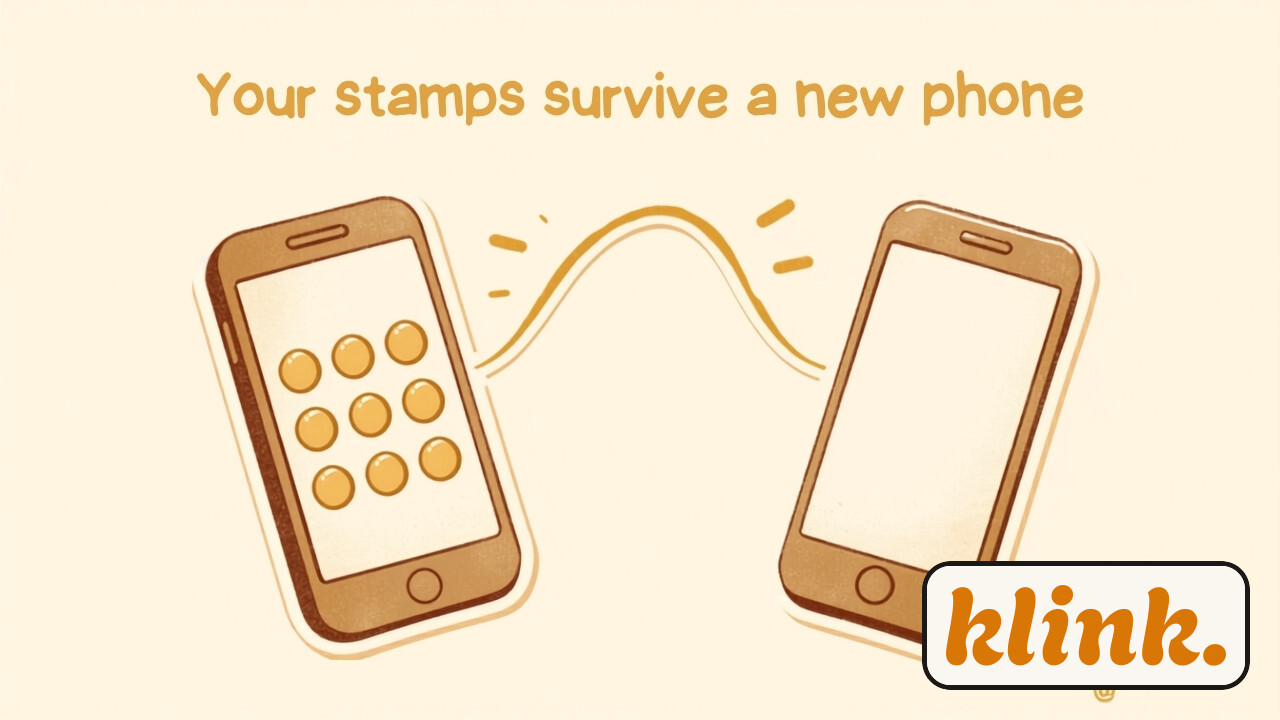
Star telefon s kartico zvestobe v denarnici predaja pečate novemu telefonu, v topli jantarni in kremni barvi.

Redna stranka v vašem frizerskem salonu ima na kartici sedem od desetih pečatov. Nato ji telefon pade na tla, zaslon poči, in konec tedna že odnese novega v trgovino. Njena prva misel skoraj gotovo ni "kako lepo, nov telefon" — ampak "a sem zdaj izgubila vseh sedem pečatov?" Za lastnika je vprašanje podobno: ali bo stranka morala začeti znova, in ali bo to pomenilo neprijeten pogovor za pultom.

Dobra novica je, da je odgovor skoraj vedno pomirjujoč. Poglejmo natančno, kaj se zgodi — in zakaj.

Vprašanje ni tako redko, kot se zdi

Telefoni se menjajo ves čas: baterija oslabi, zaslon poči, pride nova pogodba pri operaterju, ali pa nekdo preprosto preklopi iz Androida na iPhone. Če ima vaš lokal kartico zvestobe že leto ali dve, bo prej ali slej vsaka aktivna stranka enkrat zamenjala telefon. Vredno je vnaprej vedeti, kaj se zgodi, namesto da se z vprašanjem prvič srečate v gneči ob sobotnem dopoldnevu.

Kratek odgovor: pečati ne živijo v telefonu

Kartica v Apple ali Google denarnici ni datoteka, zaklenjena v enem samem telefonu — je le trenutni prikaz tega, kar o stranki ve klink. sistem. Pravi zapis, koliko pečatov ima stranka, živi na strežniku, povezanem z njeno telefonsko številko, ne na napravi, ki jo trenutno drži v roki. To je ista logika, zaradi katere se pečat pojavi na kartici v realnem času, ko ga doda osebje — telefon je le okno, sistem pa je tisti, ki šteje.

To pomeni, da razbit zaslon ali izgubljen telefon sam po sebi ne izbriše nobenega obiska. Vprašanje ni "ali so pečati še kje", ampak "kako pridejo nazaj na zaslon novega telefona".

Dve poti, ko se pojavi nov telefon

Pot A

Enak račun, obnovljen telefon

Če stranka novi telefon nastavi z isto Apple ID ali Google prijavo, se kartica pogosto pojavi sama od sebe — Google denarnica kartice, povezane z računom, prikaže samodejno, Apple denarnica pa jih med obnovitvijo ponudi pod "Prejšnje kartice". Stranki ni treba storiti ničesar posebnega.

Pot B

Nov telefon, druga naprava ali brez obnovitve

Če stranka telefon nastavi na novo, zamenja operacijski sistem ali preprosto ni obnovila varnostne kopije, se kartica ne pojavi sama. Reši se enako preprosto kot prvič: stranka znova skenira vašo QR kodo, vnese isto telefonsko številko — in klink. ji pokaže natanko tisto kartico, ki jo je imela prej, s sedmimi pečati vred.

V nobenem od obeh primerov stranka ne začne znova pri ničli. Razlika je le v tem, ali se kartica prikaže sama ali z enim dodatnim skeniranjem — enakim, kot ga je opravila prvi dan.

Zakaj to deluje: identiteta je številka, ne naprava

Pri klink. je telefonska številka tista, ki poveže stranko z njeno zgodovino obiskov — ne serijska številka telefona, ne operacijski sistem, ne aplikacija. Zato zamenjava naprave ne pomeni zamenjave identitete. Ista logika, ki poskrbi, da ena oseba ne more imeti dveh podvojenih kartic, poskrbi tudi, da ena oseba ne izgubi kartice zgolj zato, ker je zamenjala telefon. Sistem ob vsakem skeniranju QR kode preprosto vpraša: "je ta številka že poznana?" — in če je, prikaže obstoječe stanje, ne prazne kartice.

Zvestoba stranke ni shranjena v njenem telefonu. Shranjena je pri vas — v vašem sistemu, ne v napravi, ki jo lahko razbije, izgubi ali proda.

Kaj to pomeni za osebje za pultom

Za vas kot lastnika to pomeni predvsem eno stvar: ni potrebe po ročnem popravljanju stanja, ko stranka pride z novim telefonom in praznim zaslonom denarnice. Osebju ni treba iskati stare kartice, se spominjati, koliko je stranka dejansko imela, ali ji na oko dodati pečate za nazaj. Dovolj je, da stranka znova doda kartico prek iste QR kode — postopek traja enako kratko kot prvič, saj sistem takoj prepozna njeno številko in prikaže pravo stanje.

Edina praktična past je, da stranka tega ne ve in molče sklepa, da je "vse izgubila", zato sploh ne poskusi znova. Majhna opomba ob QR kodi — nekaj v smislu "zamenjali telefon? znova skenirajte, vaši pečati vas čakajo" — reši ta nesporazum, še preden do njega pride.

Sorodno branje: Apple in Google Wallet, razloženo za lastnike lokalov in kako se kartice v denarnici posodobijo v realnem času.

Če želite ponuditi kartico zvestobe, ki preživi razbit zaslon in nov telefon brez izgubljenega pečata, preizkusite klink. brezplačno 14 dni in postavite svojo prvo digitalno kartico — brez kreditne kartice.

Wallet for business

What happens to a wallet card when a customer changes phones

September 11, 2026

An old phone with a loyalty wallet card handing its stamps over to a new phone, in warm amber and cream tones.

A regular at your hair salon has seven of ten stamps on her card. Then her phone slips off the counter, the screen cracks, and by the weekend she's walked out of a shop with a new one. Her first thought almost certainly isn't "great, a new phone" — it's "did I just lose all seven stamps?" For the owner, the question is similar: will she have to start over, and is this about to become an awkward conversation at the counter?

The good news is that the answer is almost always reassuring. Let's walk through exactly what happens, and why.

This question comes up more often than it seems

Phones change hands constantly: a battery wears out, a screen cracks, a carrier contract renews, or someone simply switches from Android to iPhone. If your shop has run a loyalty card for a year or two, every active customer will eventually swap phones at least once. It's worth knowing what happens before you're asked about it in the middle of a busy Saturday morning.

The short answer: stamps don't live on the phone

A card in Apple or Google Wallet isn't a file locked inside one device — it's a live view of what klink.'s system knows about that customer. The actual record of how many stamps someone has lives on a server tied to their phone number, not on whichever device happens to be in their hand right now. It's the same logic that lets a stamp appear in real time the moment staff add it — the phone is a window, and the system is what actually keeps count.

Which means a cracked screen or a lost phone doesn't, on its own, erase a single visit. The real question isn't "are the stamps still somewhere" — it's "how do they get back onto the new phone's screen".

Two paths when a new phone shows up

Path A

Same account, restored phone

If the customer sets up the new phone with the same Apple ID or Google account, the card often reappears on its own — Google Wallet shows cards tied to the account automatically, and Apple Wallet offers them under "Previous Cards" during restore. The customer doesn't have to do anything special.

Path B

New device, different OS, or no restore

If the phone was set up fresh, the customer switched operating systems, or there simply was no backup to restore from, the card won't appear by itself. The fix is exactly as simple as the first time: the customer scans your QR code again, enters the same phone number — and klink. shows the exact card they had before, seven stamps included.

In neither case does the customer start back at zero. The only difference is whether the card reappears on its own or with one extra scan — the same one they did on day one.

Why this works: the identity is the number, not the device

With klink., a customer's phone number is what ties them to their visit history — not a device serial number, not an operating system, not an app. Changing devices doesn't change identity. The same mechanism that stops one person from ending up with two duplicate cards is what stops one person from losing a card just because they changed phones. Every QR scan simply asks the system, "is this number already known?" — and if it is, it shows the existing balance, not a blank card.

A customer's loyalty isn't stored in their phone. It's stored with you — in your system, not in a device that can crack, get lost, or get sold.

What this means for staff at the counter

For you as the owner, this mostly means one thing: there's no manual fixing to do when a customer walks in with a new phone and an empty wallet screen. Staff don't need to dig up an old card, guess how many stamps someone actually had, or eyeball a few extra stamps to make up for it. It's enough for the customer to add the card again through the same QR code — the process takes just as little time as it did the first time, because the system recognises their number instantly and shows the correct balance.

The one real trap is that customers don't always know this, and quietly assume they've "lost everything" — so they never try again. A small note near the QR code, something like "changed phones? scan again, your stamps are waiting", closes that gap before it becomes a problem.

Related reading: Apple and Google Wallet, explained for shop owners and how wallet passes update themselves in real time.

If you'd like to offer a loyalty card that survives a cracked screen and a new phone without losing a single stamp, try klink. free for 14 days and set up your first digital card — no credit card required.